
How to Search for a Warrant in Lexington County
No official public, countywide warrant portal was located. The Public Index is the best online starting point for covered case context, and the Sheriff’s Warrant Division is the direct phone route for a county service question. Neither replaces the issuing municipal, magistrate, traffic, or Family Court clerk.
Gather the paper, case number, agency, and court date before calling. If searching by name, use the spelling on the court record and avoid assuming that a similar name is the same person. A lawyer can help plan next steps when the matter may involve an active arrest warrant.
- Search the Lexington Public Index by court, agency, case number, party name, or date range for covered cases.
- Use the case number link to review available details, then call the listed clerk to confirm any warrant question.
- For a town ticket, contact its municipal court. For county traffic or magistrate matters, call the court printed on the notice.
- Call the Sheriff’s Warrant Division at 803-785-2499 during regular business hours; after hours use 803-785-2521 for communications.
- For federal matters, use PACER or the federal clerk. For records requests, ask the Sheriff FOIA office for a narrow, defined record set.
Lexington County Has No Public Warrant Portal
The Sheriff website links to inmate and booking information, but the Sheriff’s FAQ says warrant questions go to the Warrant Division. Booking data concerns custody and may be delayed; it cannot show every unserved warrant or prove that an order was recalled. A blank result in that tool is not a clearance notice.
For a county warrant question, ask the Division which court issued the process, whether an appearance is needed, and how confirmation will be given. The published line is 803-785-2499 during regular business hours. The FAQ lists 803-785-2521 as an after-hours communications contact.
Use the Lexington County Clerk of Court page to identify the division that handles a case file.
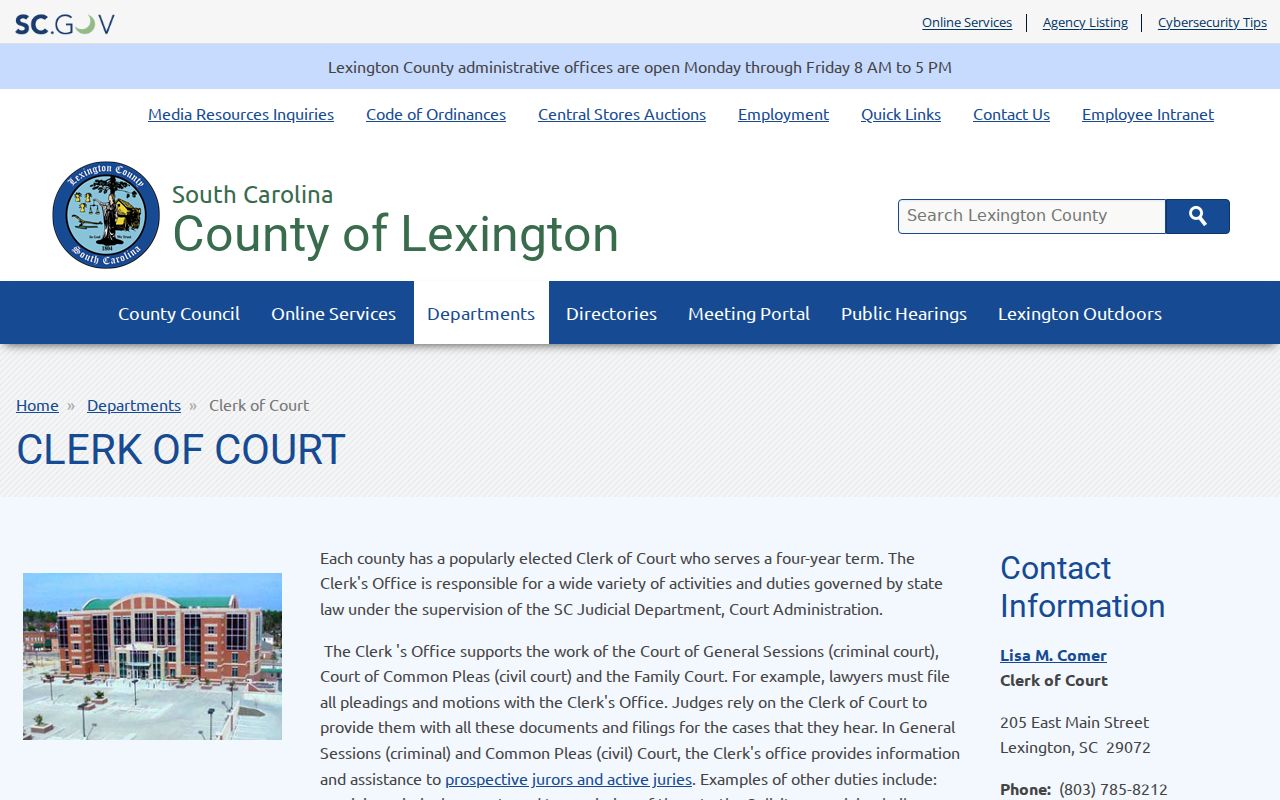
The County Clerk page names General Sessions, Common Pleas, and Family Court services. It helps identify the clerk before a case inquiry.
Lexington County Warrant Search Fields
The Public Index asks for court and case details because it searches cases, not a dedicated warrant list. Begin with a case number when available, or use a court agency and a name. The system offers a Begins With or Contains name option, along with type and date filters.
| Field Label | Type | Required | Notes |
|---|---|---|---|
| Case number | Text | No | Use the exact number from a paper or prior result. |
| Party name | Name fields | No | Begins With or Contains can broaden a spelling search. |
| Court type / agency | Selection | No | Narrow to Lexington or a listed court when known. |
| Case type / subtype | Selection | No | Choose the nearest listed criminal, traffic, or other category. |
| Action and date range | Selection / dates | No | Use sparingly so a filter does not hide a relevant case. |
West Columbia Search Covers City Citations
West Columbia provides a city-linked municipal search with fields for a citation number, driver-license number and state, date of birth, vehicle plate and state, name and date of birth, Social Security number, or business name. Those options belong to that city portal. They are not fields required by every Lexington County court, and they do not create a countywide warrant lookup.
Use the official city portal for a West Columbia citation, then call the Municipal Court if the result raises a warrant or missed-date question. The city’s police department and the county’s Cayce-West Columbia Magistrate are separate offices at separate addresses.
What a Lexington County Warrant Search Returns
A Public Index result is a case entry. The Judicial Branch manual lists the fields below, but it does not supply a live warrant-status field. Read the agency, case number, and status together, then ask the clerk what the entry means for the court’s current process.
| Case number | Read the number from the official result |
|---|---|
| Party and role | Name and party type as indexed by the court. |
| Dates | Filed date and disposition date when shown. |
| Case status | Case status is not a live warrant confirmation. |
| Type and agency | Case type, subtype, and court agency identify the record path. |
Federal Warrants Use a Different Court
Lexington County is in the District of South Carolina, Columbia Division. Federal case searches run through PACER, and a sealed warrant or affidavit may not appear in a public docket. The federal clerk and U.S. Marshals Service answer federal process questions; the county Sheriff and South Carolina Public Index are not federal warrant databases.
PACER account registration has no sign-up fee, though document access can carry charges under its published fee rules. CourtListener and RECAP can help locate public docket material, but verify it against PACER or the federal clerk. A federal search is a separate step when the notice identifies a federal court.
Use the U.S. District Court Columbia Division page when a notice identifies federal court.
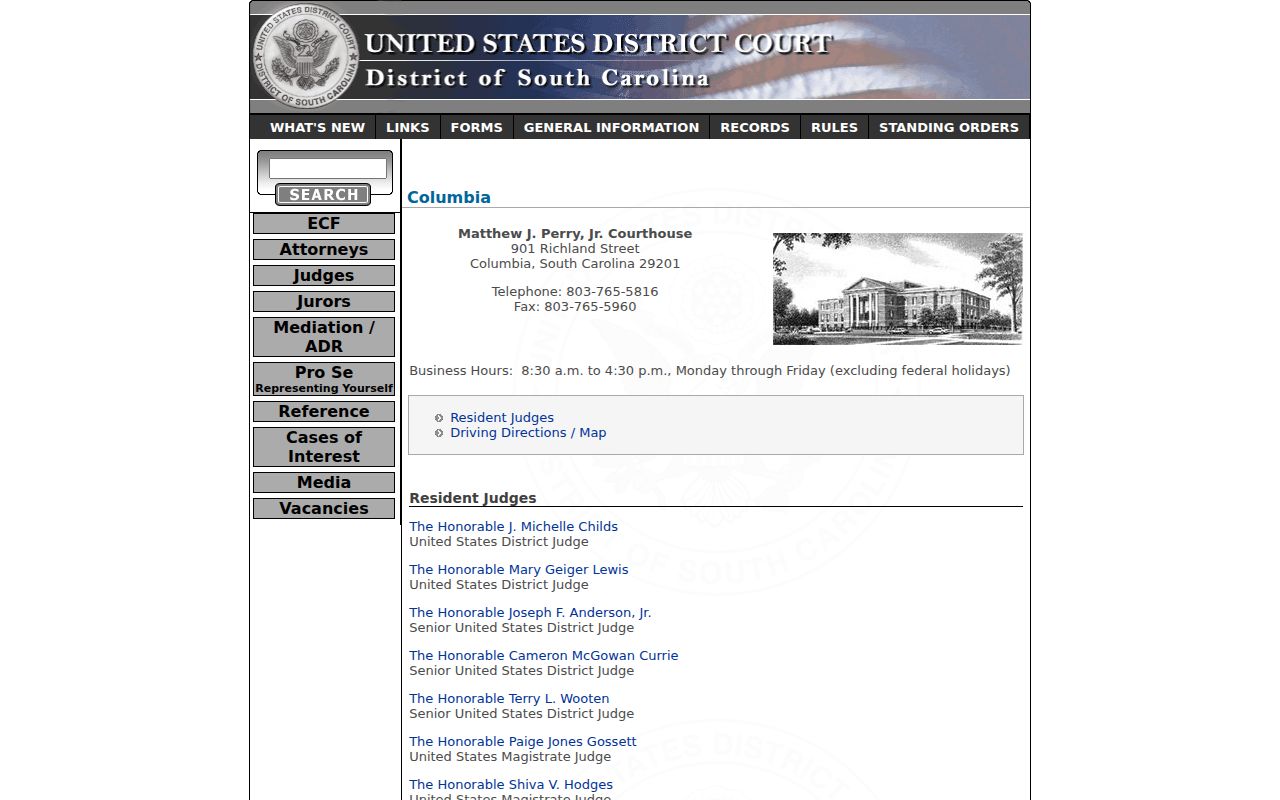
The Columbia Division page names the federal clerk’s office and its courthouse. Use it when a case paper identifies federal court.
See PACER’s case-search information before beginning a federal docket search.
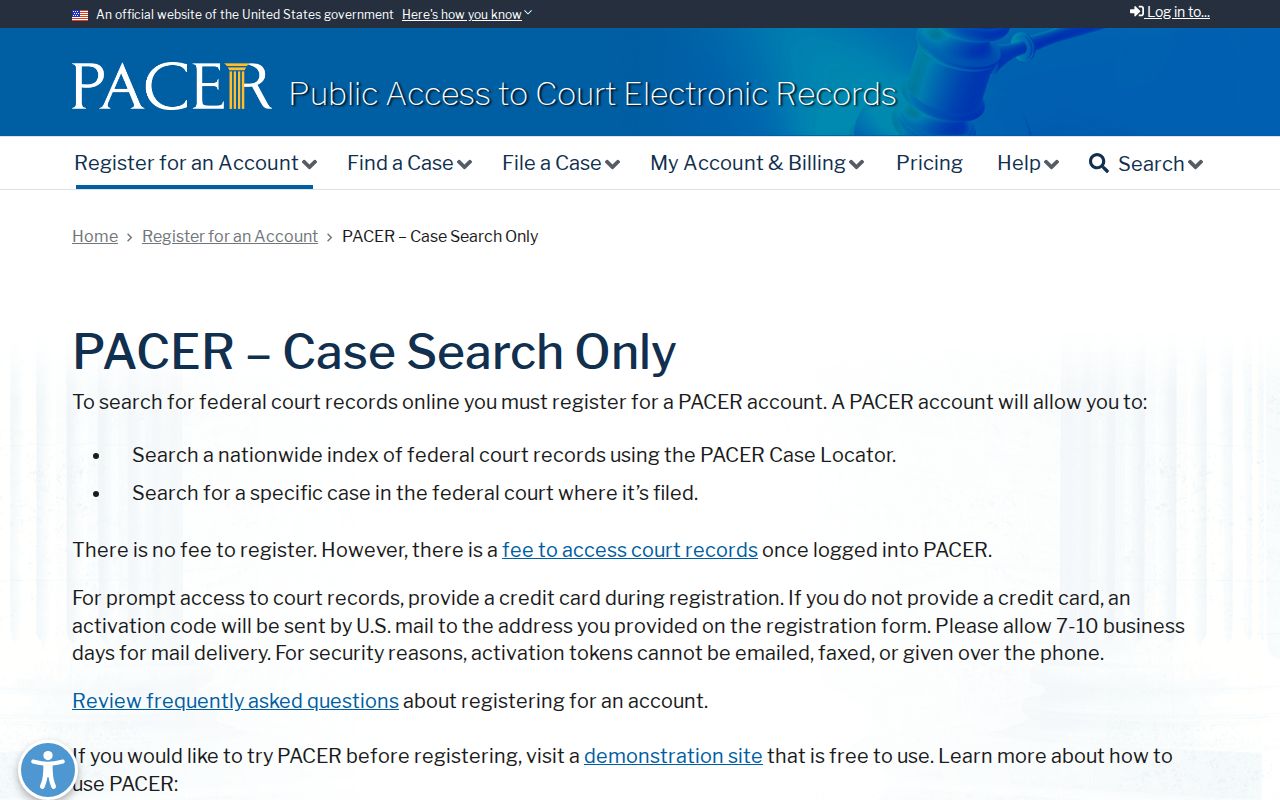
PACER is the federal docket tool, not the county Public Index. A docket entry still may not disclose sealed warrant material.
Where Lexington County Warrants Are Checked
General Sessions and Family Court records go through the County Clerk. Magistrate, Central Traffic, and municipal court records stay with the issuing court. Sheriff Warrant Division staff answer questions about service. West Columbia and Irmo also link payment or citation vendors, but neither vendor is a county warrant roster.
South Carolina has no official public statewide warrant lookup in the research. SLED CJIS is an authorized criminal-justice repository. For a matter in another county, contact that county’s issuing court or Sheriff rather than treating the Lexington Public Index as a statewide search.
Why Lexington County Results Can Be Incomplete
The Judicial Branch warns that Public Index entries can be delayed, and sealed or confidential documents are not displayed. The 2025 update expanded municipal and traffic search functions, but that does not make every court action visible or turn a case search into a warrant search.
A new warrant may not yet be entered, a local municipal record may stay in its own system, or a protected Family Court or juvenile record may be unavailable. When a result is absent or unclear, call the issuing clerk and ask for current status. Do not infer that a blank screen proves no warrant exists.
Access and Restricted Warrants
Public access depends on the record and the court. South Carolina FOIA allows inspection of public records while protecting specified law-enforcement material. Sealed court records and confidential juvenile identifiers are not ordinary public search results. The Sheriff may also withhold material where disclosure could harm an investigation or safety.
Key Rules:
South Carolina Rule 10 protects specified sensitive information in court filings and public access.
S.C. Code § 63-19-2030 makes identifying information in juvenile law-enforcement records confidential.
S.C. Code § 30-4-40(a)(3) allows certain law-enforcement exemptions; a blank result is not proof that no warrant exists.
A Lexington County FOIA Request Is Narrow
The Sheriff’s FOIA page accepts requests by email at FOIA@lcsd.sc.gov or by mail to 521 Gibson Road, Lexington, SC 29072. Ask for a clear record set and date range, such as a blank form or annual aggregate. The office lists search, retrieval, and redaction at $22 per hour and a 25% deposit before work begins.
The Sheriff may withhold exempt material and does not publish a processing deadline on its page. Ask for nonexempt portions to be separated and for the reason for any denial. A records request is not a live name check; a person seeking current status should contact the issuing court or Warrant Division.
Check the Sheriff’s FOIA page for the current submission route, fees, and deposit requirement.
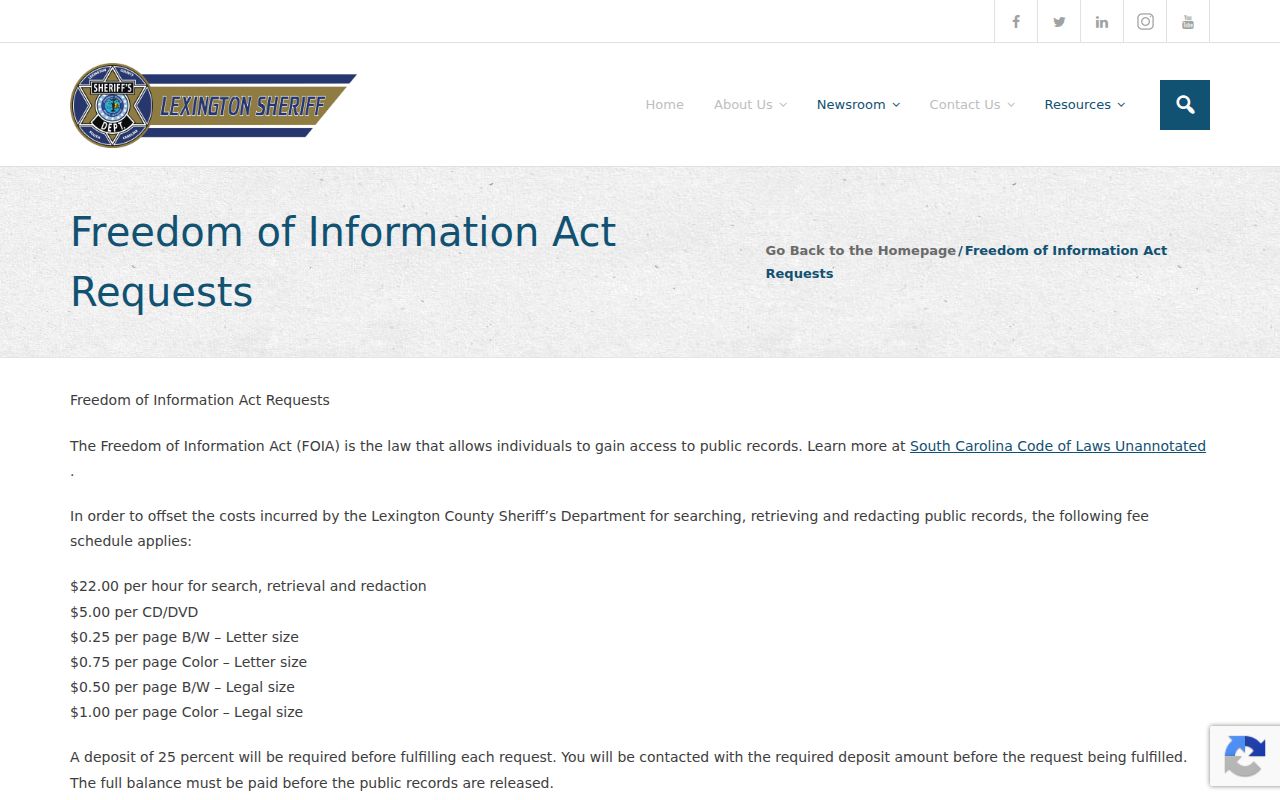
The FOIA page shows the Sheriff’s request address, email, deposit, and copy charges. Check the official page before submitting.